


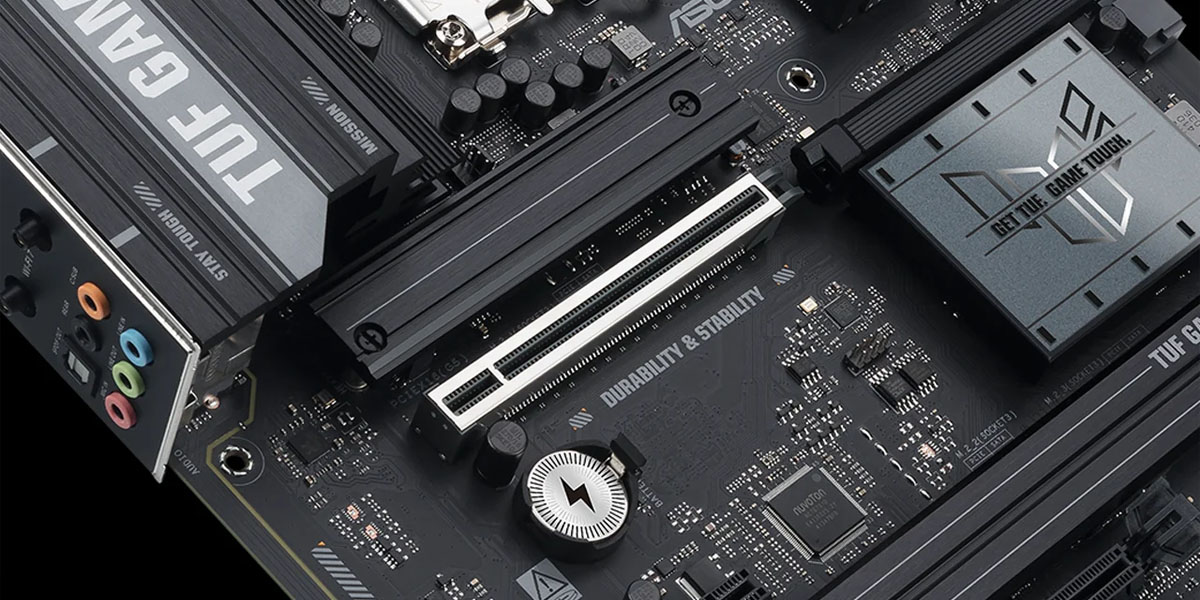
Choosing between PCIe Gen5 and Gen6
Choosing between PCIe Gen5 and Gen6 standards for building a new PC or upgrading an existing one is a question facing many users seeking maximum performance for gaming and work. The key dilemma is whether to pay extra for the latest technology today or stick with proven solutions. In this article, we’ll take a detailed look at the impact of different interface generations on SSD and graphics card speeds to help you make an informed decision based on your specific needs.
What is PCIe?
PCIe Description and Specifications
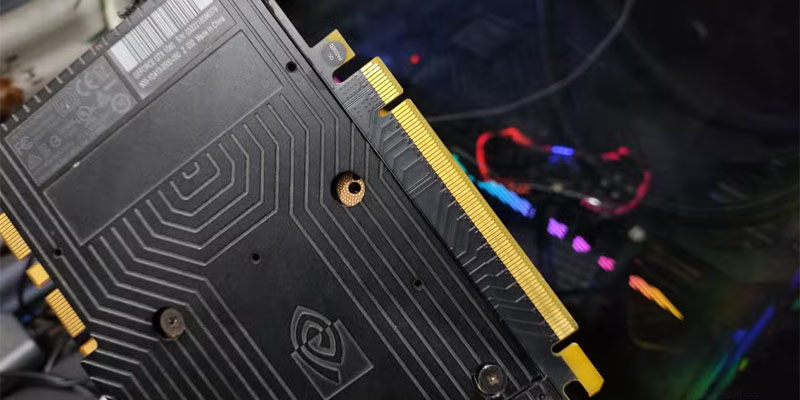
PCI Express (PCIe) is a high-speed serial interface that serves as the primary communication channel between the central processing unit (CPU) and critical system components, such as graphics cards (GPUs) and storage devices. Unlike the legacy parallel PCI bus, PCIe uses a point-to-point architecture, where each device receives a dedicated connection via lanes. This eliminates bandwidth conflicts and ensures high data transfer rates. The number of lanes (x1, x4, x8, x16) determines the overall throughput of the channel: the more lanes, the higher the performance of the connected component.
PCIe Evolution: From 1.0 to 5.0
The history of the interface’s evolution is one of constant doubling of bandwidth. Each new generation increased the data transfer rate per lane compared to the previous one. While version 3.0 offered around 1 GB/s, PCIe 4.0 doubled this figure to 2 GB/s. The latest consumer standard, PCIe 5.0, has taken another leap forward, raising the bar to 4 GB/s per lane. In an x16 configuration, this provides a theoretical throughput of up to 128 GB/s in full-duplex mode. The already announced PCIe 6.0 standard will continue this trend, promising another doubling of speed. This evolution directly addresses the growing appetites of modern SSDs and GPUs.
Benefits of PCIe 5.0
Speed and performance
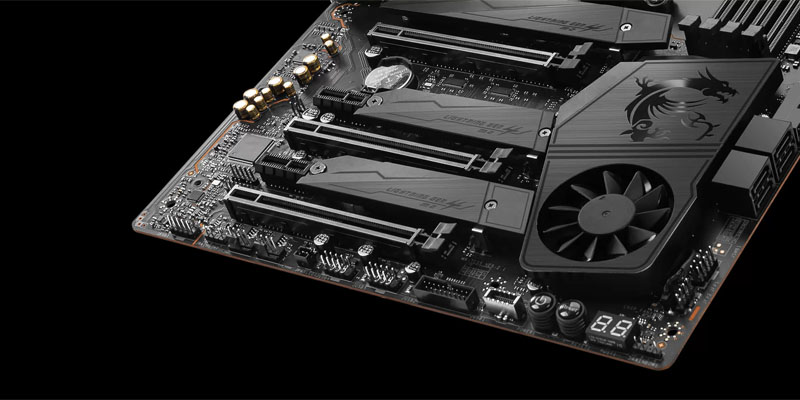
The main and undeniable advantage of PCIe Gen5 is unprecedented speed. For SSDs, this means that new-generation drives, such as PCIe 5.0 SSDs, demonstrate sequential read speeds exceeding 14,000 MB/s. By comparison, the best PCIe 4.0 SSDs are limited to approximately 7,000 MB/s. In synthetic tests, such as CrystalDiskMark, this yields a 50–70% increase when handling large sequential files. For a graphics card, higher bus bandwidth means faster data transfers to the processor and RAM, which theoretically reduces the risk of bottlenecks in high-load scenarios, especially in professional workloads.
Energy efficiency and reduced latency
In addition to raw transfer speed, the PCIe 5.0 standard brought improvements in power efficiency and latency. The signal encoding scheme has been optimized, allowing for higher efficiency with similar or even lower power consumption per gigabit of transferred data. Reducing latency is critical for tasks such as online gaming, high-frequency trading, or database work, where every millisecond counts. This makes the platform more responsive.
Backward compatibility and limitations
The most important advantage of the entire PCIe ecosystem is full backward compatibility. A PCIe 5.0 device (such as a drive or graphics card) will work in an older PCIe 4.0 or 3.0 slot, albeit at reduced speeds. Conversely, an older drive can be installed in a newer slot and will operate at its full speed. However, there are limitations.
The most important of these is heat dissipation. PCIe Gen 5 SSDs can become very hot under heavy load, so almost all models are equipped with massive heatsinks. Without proper cooling, performance can decline due to throttling. Furthermore, PCIe 5.0 implementation requires high-quality motherboard routing, which impacts the final cost.
Comparison of PCIe 4.0 and 5.0
PCIe 4.0 and 5.0 SSD Performance Testing
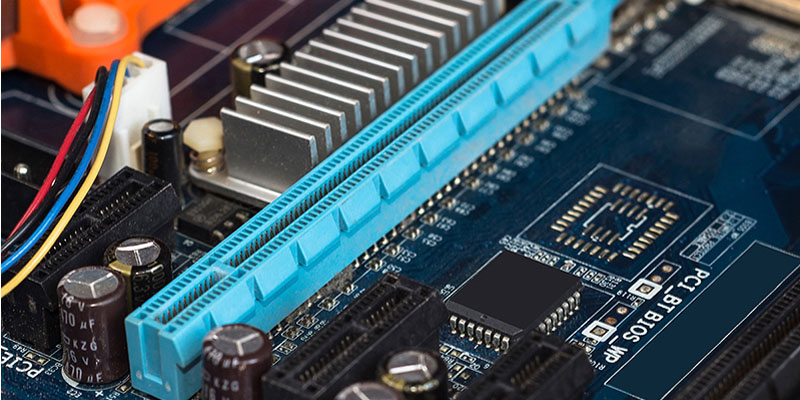
Real-world tests clearly demonstrate where the new technology’s potential lies, and where the difference is almost imperceptible. In synthetic benchmarks such as CrystalDiskMark, PCIe Gen 5 SSDs consistently show a nearly two-fold advantage in sequential operations. In practical scenarios, the picture is different:
- Everyday tasks: When booting the operating system, launching applications, and using the Office suite, the difference is minimal. PCMark 10 shows a gain of only 1-2%, which is unlikely to be noticeable to the user.
- Working with large files: This is where PCIe 5.0 really shines. Copying, saving, and rendering video files tens or hundreds of gigabytes in size is significantly faster. For example, in the Blackmagic Disk Speed Test, which simulates the workload of 8K video editing, write speeds can increase by up to 67%.
- Professional workloads: The greatest impact is noticeable in scenarios that are sensitive not only to speed but also to input/output operations per second (IOPS). For server workloads, complex databases, and artificial intelligence (AI) workloads, the high IOPS performance of PCIe Gen 5 drives provides a significant advantage.
Who really needs 14,000 MB/s speed?
Analysis shows that the target audience for PCIe Gen5 SSDs is quite narrow and consists of professionals whose work tasks are directly limited by the drive’s throughput:
- Video editors working with material in 8K resolution and higher.
- Engineers and 3D artists who load and save complex CAD models, rendering scenes, and high-resolution textures.
- Data Science and Machine Learning (AI) specialists, where the speed of preparing and processing huge data sets directly impacts experimentation time.
- Owners of highly loaded workstations and servers, where every second of downtime is costly.
For the vast majority of users, including gamers, the speed of a top-end PCIe 4.0 SSD is more than sufficient. In games, the difference in FPS is currently virtually negligible, as confirmed by numerous tests.
Choosing an SSD: Which PCIe 5.0 Drive Should You Buy?
Recommendations for choosing an SSD for gaming and work
When choosing a PCIe Gen5 SSD, it’s important to pay attention not only to the advertised speed but also to the cooling system. Models with passive heatsinks are often insufficient; active cooling or massive passive heatsinks with heat pipes are preferable. It’s also important to consider IOPS (especially for random read/write) and the memory type used (TLC offers better endurance and speed stability than QLC). For workstations where reliability is paramount, consider enterprise-class models or those with increased write endurance (TBW).
Comparison with alternatives: is it worth the extra cost?
A direct comparison of PCIe 5.0 SSDs with alternatives clearly determines the value of the purchase. A top-of-the-line NVMe SSD on PCIe 4.0 (for example, the Samsung 990 Pro) currently offers the optimal balance of price, performance, and thermal design power. The premium for PCIe Gen 5 can be 50-100% for a speed boost that won’t be noticeable in everyday use or most games. If your primary goal is to build a balanced gaming PC, investing in a more powerful graphics card or processor will yield far more FPS benefits than the fastest drive. Purchasing a PCIe 5.0 SSD is only justified if you know for sure that your applications can utilize this bandwidth. Otherwise, it’s a waste of money.
The Future of PCIe: Prospects and Implementation
Trends in the development of data storage technologies
The future of high-speed interfaces is already clear. The PCIe 6.0 standard, whose specifications have already been approved, doubles bandwidth to 8 GB/s per lane. This will pave the way for drives with read speeds approaching 30,000 MB/s. However, mass adoption of PCIe 6.0 in the consumer segment is not expected until 2026-2027.
The main driver for the transition to new standards is not so much gaming as the artificial intelligence, high-performance computing (HPC), and data center industries, where the transfer of huge amounts of information is a key constraint.
Impact on performance in games and applications
A key future factor that could change the impact of SSDs on gaming is the widespread adoption of Microsoft’s DirectStorage technology. It allows the graphics card to directly load assets (textures, models) from the storage device, bypassing the CPU. This dramatically reduces latency and could eliminate the bottleneck associated with streaming game worlds. While this technology is still in its early stages of implementation, high-speed PCIe Gen5 and PCIe 6.0 SSDs will allow it to fully realize its potential, making loading times virtually instantaneous and open worlds more detailed.
Conclusion
There’s no definitive answer as to whether PCIe 5.0 components are worth buying today. PCIe 5.0 is an advanced, but highly specialized technology. Its real-world impact on gaming and everyday performance is currently minimal. Only professionals whose work directly depends on disk I/O speeds, such as video editors, engineers, and AI specialists, should pay extra for it.
For gamers and everyday users, a top-end PCIe 4.0 or even 3.0 SSD would be a much more sensible investment, with the savings going toward a more powerful graphics card or processor, which would deliver a much more noticeable performance boost. PCIe 5.0 and the upcoming PCIe 6.0 are an investment in the future, which will arrive in a few years, when software and games learn to fully utilize their capabilities.
Additional resources
Related articles and videos
For a more in-depth understanding of the topic, we recommend exploring detailed reviews and comparative tests of specific SSD models and graphics cards using different PCIe generations. It’s also helpful to keep up with news on DirectStorage implementation in new gaming titles.
How to choose components for building a PC
When building a new PC, it’s important to strike a balance. Don’t chase the most advanced technology in one component if it limits others. Make sure your chosen motherboard and processor support the required PCIe version. Remember that a good cooling system is crucial for a PCIe Gen5 SSD, and it should be built into the case. Prioritize your budget: a powerful graphics card is almost always more important for the overall performance of a PC than the fastest storage device.

