


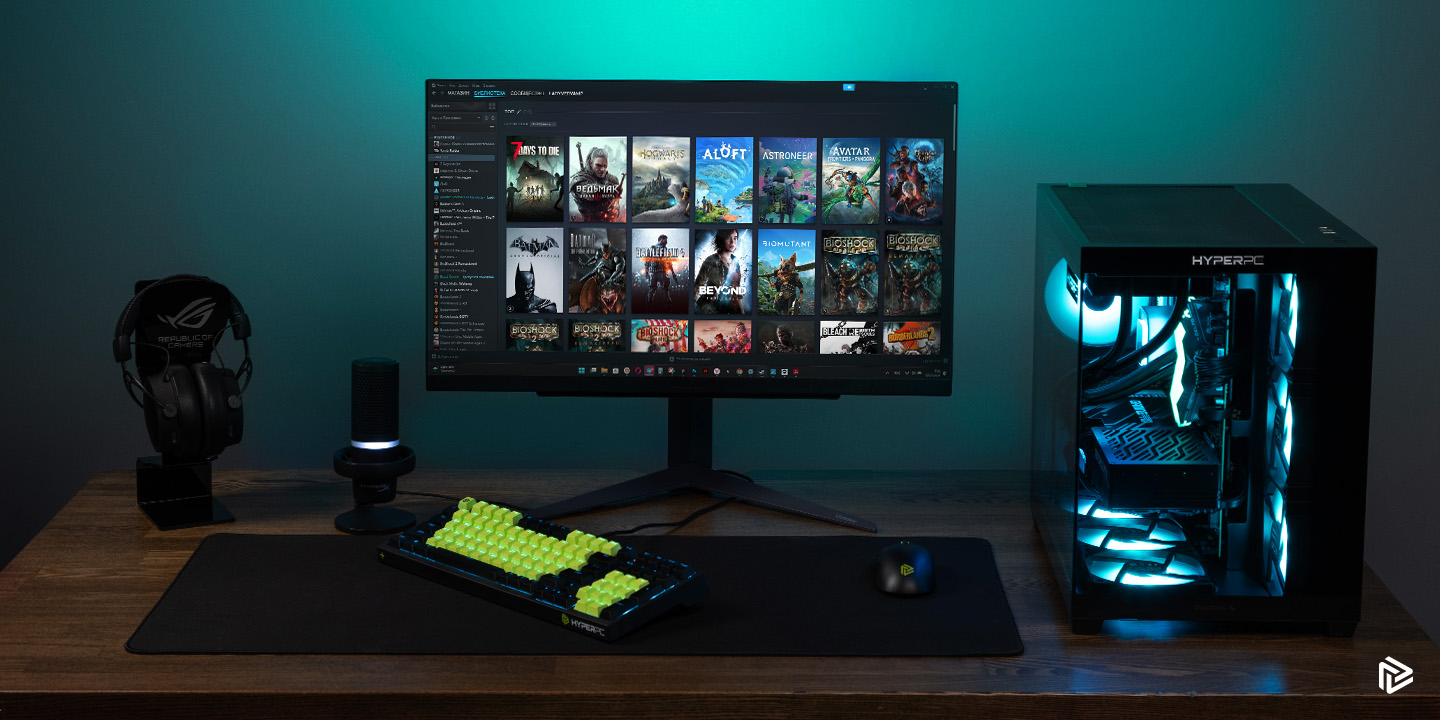
Choosing the right system in the age of new technologies is a complex step that requires a thoughtful approach. In 2026, the component market offers a huge variety of options, and building a good system requires considering numerous factors. A gaming computer must handle demanding graphics, meaning every detail matters. This guide will help you understand the cost of a modern build, how to choose components, and what to do first.
Important: don’t rush to buy the first option you see, as every modern game requires a perfectly balanced graphics card, processor, and memory.
Defining objectives and budget
The first step to success is to clearly understand what exactly you need a machine for. The choice depends directly on your daily scenarios. A good PC for esports is very different from a 3D modeling workstation, so choose wisely.
An important factor is the price you are willing to pay for comfort.
What games and applications do you need a PC for?
Every modern game has its own set of requirements. It’s one thing to play competitive shooters, where high frame rates are essential, and quite another to run a demanding AAA game with ray tracing. If you’re aiming for a top-tier AAA game at maximum settings, you’ll need a powerful processor and a top-tier graphics card. If you’re looking for a streaming device, RAM and multithreading are paramount. Each step toward more complex tasks requires a more advanced component. A good gaming PC can also double as a workstation, so it’s important to understand how much resources background work will consume.
What budget should be allocated for assembly?
Budget is the foundation upon which all choices are based. Prices have stabilized in 2026, but top-end hardware is still expensive. If you’re a beginner, your starting budget might be around 100,000 rubles. For this amount, you can build a decent rig with a full HD resolution. However, if you want a fully VR-ready gaming PC capable of 4K, the cost will double or triple. Important advice: never skimp on things like a power supply and motherboard, even if your budget is extremely tight. No matter how much you plan to spend, you need to manage your budget wisely to ensure your graphics card receives maximum power and your processor doesn’t overheat.
The Main Components of a Gaming PC
Every component inside a system unit performs its own function. Choosing hardware is a step-by-step process of building an architecture. To choose wisely, you need to understand how the graphics card, processor, and memory interact with each other. Your gaming experience depends on how well you find the right balance.
Processor: selection and characteristics
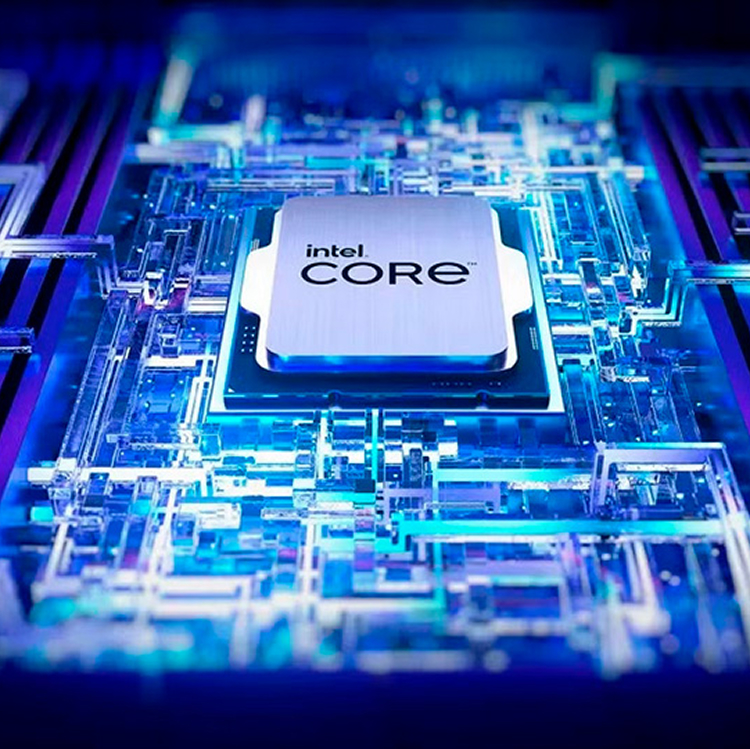
The processor is the brain of your system. In 2026, you’ll need to choose between multi-core solutions from Intel and AMD. Per-core performance is a key factor. Any game requires a processor that can quickly process physics and frame geometry. How many cores do you need for comfortable performance? Today, a good standard is 6-8 physical cores. If you plan on video editing or need a machine for streaming, consider 12-16 core models. Each step up in processor frequency increases FPS, but also requires better cooling. The choice always comes down to ensuring the processor doesn’t limit the graphics card’s potential.
Graphics card: a key component for gaming
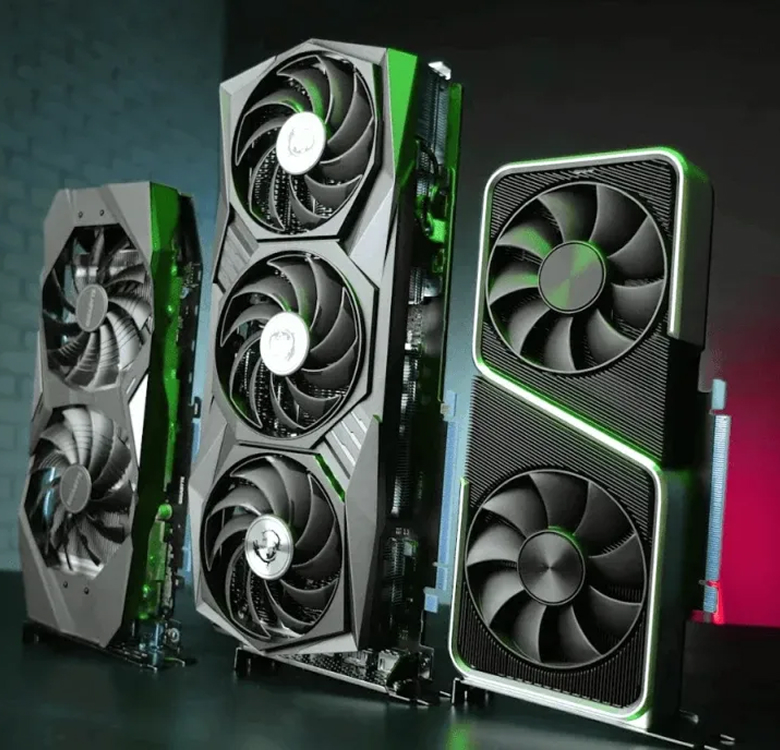
The graphics card is the most important component of a gaming PC. It determines how smoothly games run. The choice of a gaming GPU determines the resolution: full HD, 2K, or 4K. In 2026, models with hardware frame generation and enhanced ray tracing (RTX) support should be chosen. A key parameter here is the amount of video memory. A good adapter should have at least 12 GB of VRAM, while top-end solutions offer 16-24 GB. The amount of onboard memory determines how much high-resolution textures can fit in the buffer. Every step toward improving graphics is tied to this component, so the graphics card often accounts for up to half of the total budget.
RAM: How much is needed for comfortable work?
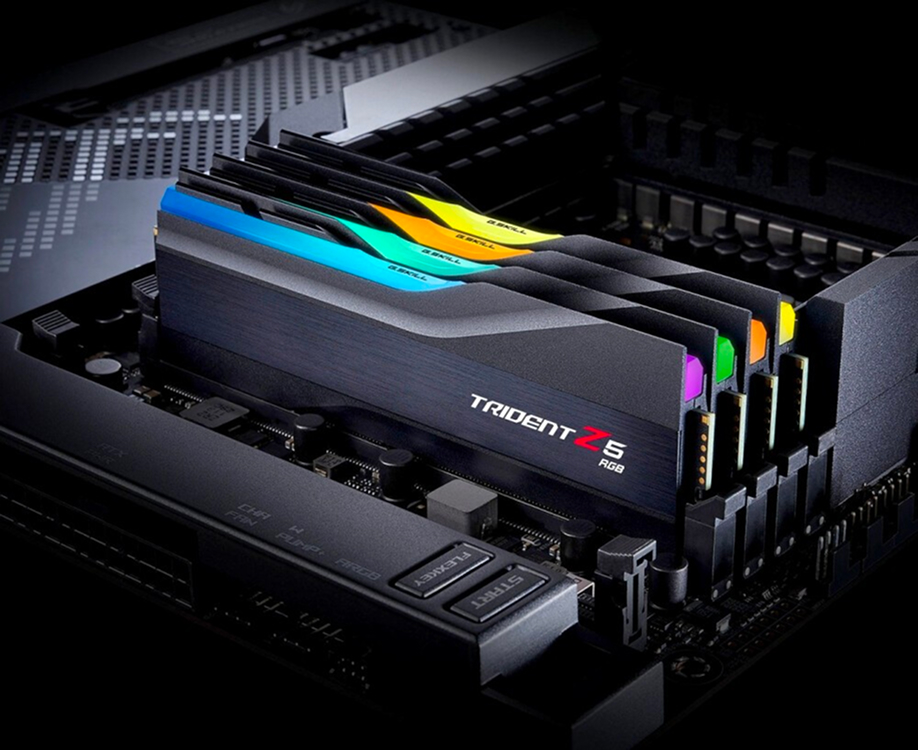
RAM is where the processor stores data for instant access. How much memory do you need in 2026? A good minimum is 32 GB of DDR5. Gaming is becoming increasingly demanding, and 16 GB isn’t always enough. An important point: choose modules with high frequencies and low timings.
- For office and simple tasks: 16 GB (basic step, minimum price).
- For eSports and full HD gaming: 32 GB (optimal choice, good reserve).
- For heavy workloads, 4K and rendering: 64GB (maximum performance).
Memory must operate in dual-channel mode to prevent the processor from idling. This is crucial for ensuring smooth performance when the game loads heavy environments.
Storage: SSD vs. HDD
The storage subsystem has changed. Comparing SSDs and older drives is no longer meaningful for gamers. In 2026, a hard drive (HDD) is only good for storing archives and old photos. A gaming PC must have a fast solid-state drive (SSD). Any open-world game requires instant texture loading, and if you have an older HDD, stuttering is inevitable.
An important parameter is read speed, which modern M.2 NVMe drives reach 10-14 GB/s. You should choose a 1-2 TB SSD, as modern titles have enormous storage capacity. A good tip: separate your system and games onto separate drives.
Power supply: what to look for
The power supply is the heart that pumps energy. How many watts do you need? If your graphics card and processor consume a lot of power, you should choose a PSU with a 20-30% reserve. An important step is checking for 80 Plus (Gold or Platinum) certification. A good power supply will ensure a long lifespan for all your hardware. Choosing a cheap, no-name Chinese brand is a fatal mistake that can ruin your entire computer. Power must be clean and stable, especially when gaming at full capacity.
Cooling system: importance and selection
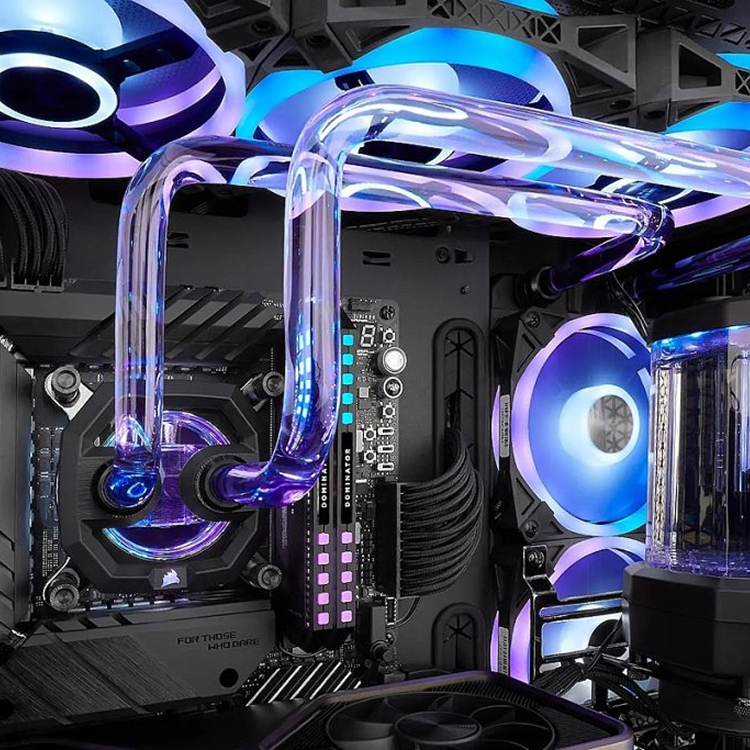
Cooling ensures your PC doesn’t throttle due to overheating. The processor and graphics card generate a tremendous amount of heat. An important step is deciding whether to install a super-air cooler or a liquid cooling system (LCS) on the CPU. A liquid cooling system is recommended if you have a top-end processor. Good airflow within the chassis prolongs the life of the components. No matter how many fans you have, gaming will keep them running efficiently. Choosing high-quality thermal interface materials is also critical.
Case: How to choose the right one
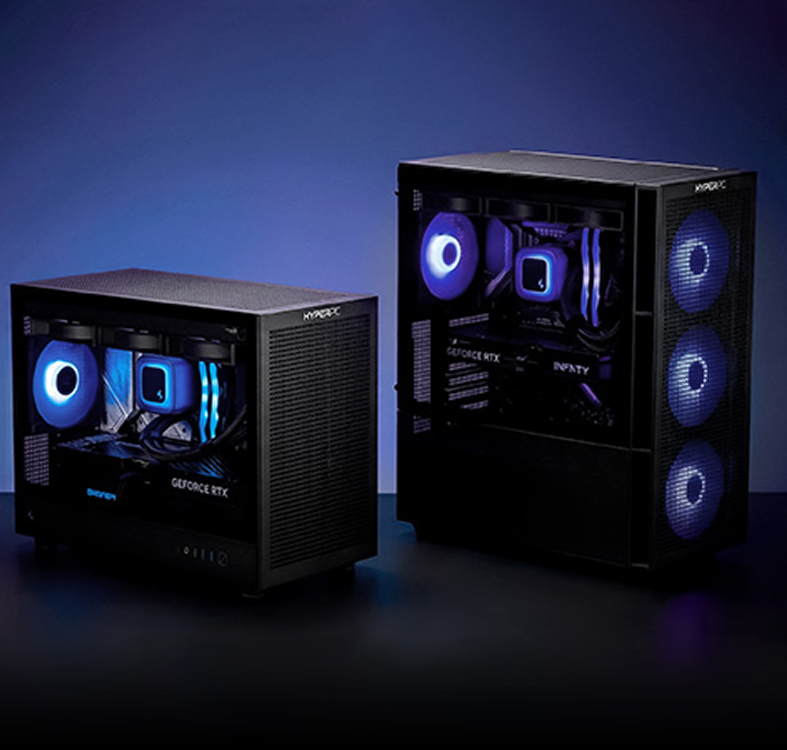
A case isn’t just about looks; it’s also about ventilation. Choose a system unit with a ventilated front panel (mesh).
Important: the graphics card should fit comfortably inside, leaving room for air intake. A good case hides cables and dampens vibrations. Gaming cases often include glass to show off the processor and memory installed. Comparing different models will show you how much space your hardware requires.
The Best Gaming PC Builds of 2026
Every year, the market offers new combinations. Below is a brief guide to what the current setup looks like.
For this price, a beginner can buy an excellent 1080p device. It comes with an Intel Core i5 or AMD Ryzen 5 processor, a mid-range graphics card, and 32 GB of memory. This is a solid gaming PC that will handle any new game at high settings.
Important tip: even in the budget segment, you can choose components that leave room for future upgrades. This PC won’t be completely VR-ready, but it will handle basic tasks.
Common Mistakes When Choosing a Gaming PC
Many people make common mistakes when trying to build a computer themselves. Mistakes when choosing a gaming PC can often be very costly. The choice should be based on balance.
Focus only on FPS
Focusing solely on frame rates is a mistake. Smoothness (frametime) and image quality are key. A game can run at 200 FPS, but if your memory is overloaded, you’ll experience micro-freezes. You need to prioritize stability, not just raw numbers. A good PC provides a comfortable gaming experience.
Ignore cooling
Forgetting about cooling means killing your processor. No matter how much your graphics card costs, it will overheat in a stuffy box. Establishing a proper airflow is crucial. Choosing a cheap cooler for top-end hardware is unacceptable.
Do not check component compatibility
Buying components that don’t fit together is a classic beginner’s mistake. The processor must fit the socket, and the RAM (memory) must be supported by the motherboard. This is an important point that requires careful attention. Every step of checking the specifications saves you time and effort. Selecting components should be done through configurators.
Life hacks for building a gaming PC
Building a good computer without breaking the bank is an art. Experience shows that making smart choices can save you money.
How to avoid overpaying for components
An important step is to avoid overpaying for brand names and unnecessary technology. If you need a gaming PC, you don’t necessarily need a flagship motherboard for extreme overclocking. You can get a good processor without an overclocking index, and mid-range memory will cost less. Your choice should be based on the actual benefit each component will bring. Any game will run just fine without expensive RGB lighting, so the graphics card should be a top priority.
Where to find the best deals
To get the best deal, you need to monitor marketplaces and check for sales. Comparing prices across different platforms is a must. Sometimes, a pre-built PC on sale is cheaper than buying individual components, although DIY assembly is usually preferable. A good discount guide is always helpful. Choosing a reputable store with a warranty is an important foundation.
Bottom Line: Which PC to Choose in 2026
The final step is making a decision. How much you’re willing to invest and what kind of computer you need will determine your future life in virtual worlds. You need to choose for yourself, as each game brings different emotions.
If you are a pure gamer
Your choice should focus heavily on the graphics card installed. The processor can be a solid mid-range unit, and the memory can be 32 GB with a good profile. An important detail: the PC should be quiet. A good gaming monitor will complete the setup. This is the perfect step into the world of gaming.
- Budget emphasis: 50% on GPU, 20% on CPU.
- Cooling: air supercooler.
- Storage: Fast 2TB SSD, as the game is quite large.
If you are a streamer or content maker
Streaming requires a multi-threaded processor. A graphics card is important, but without a powerful GPU, your stream will lag. You should choose at least 64GB of RAM. A significant asset is plenty of fast storage. A good PC for such tasks is more expensive, but the quality of the content pays off. The more viewers, the more responsibility.
If you’re a generalist (work + games + streaming)
You need a no-compromise choice. A top-of-the-line processor, a flagship graphics card, powerful power, and perfect cooling. This gaming PC can handle anything. The memory runs at incredible speeds. Any game will run smoothly. Choosing such a system is difficult, and every step costs a fortune, but this is truly a good, powerful, and ultimate computer for 2026. Don’t repeat the mistakes of others, build a balanced system, and your system will last a long time!

