


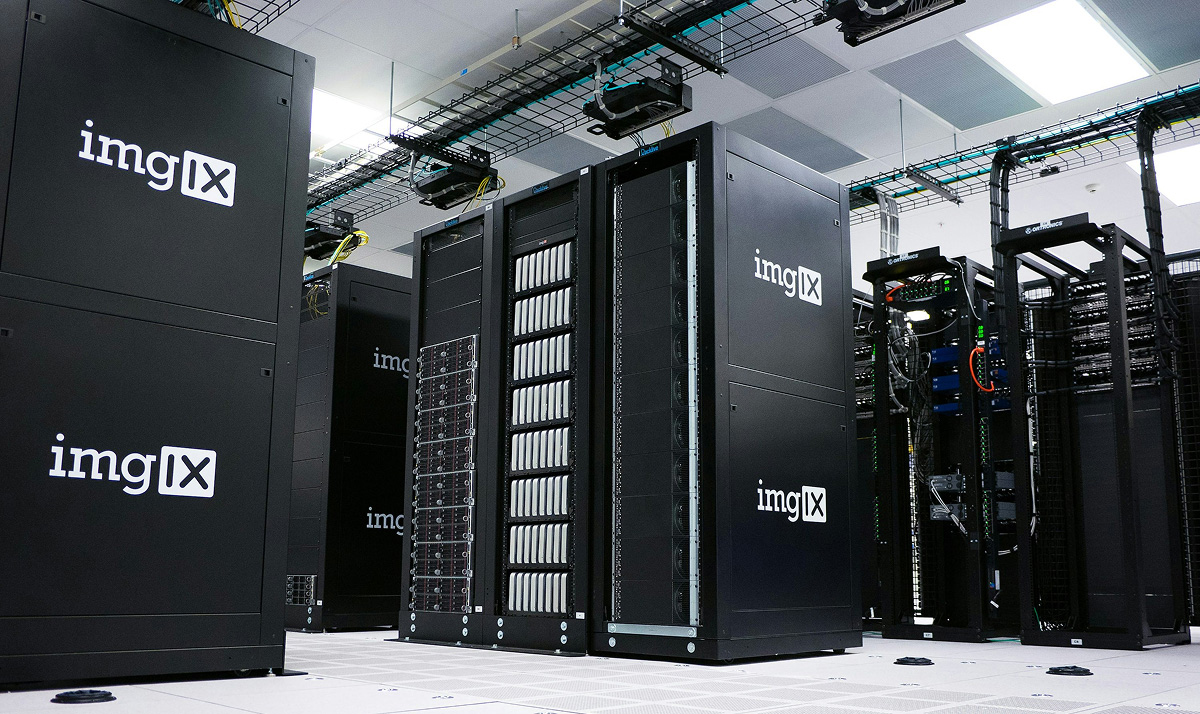
Server rental: dedicated and cloud solutions
In the digital economy, infrastructure is the foundation of any project. The choice between renting a dedicated or cloud server determines the reliability, performance, and scalability of your business or IT solution. Understanding the fundamental differences allows you to optimize costs and maximize your investment.
Server types
Dedicated servers
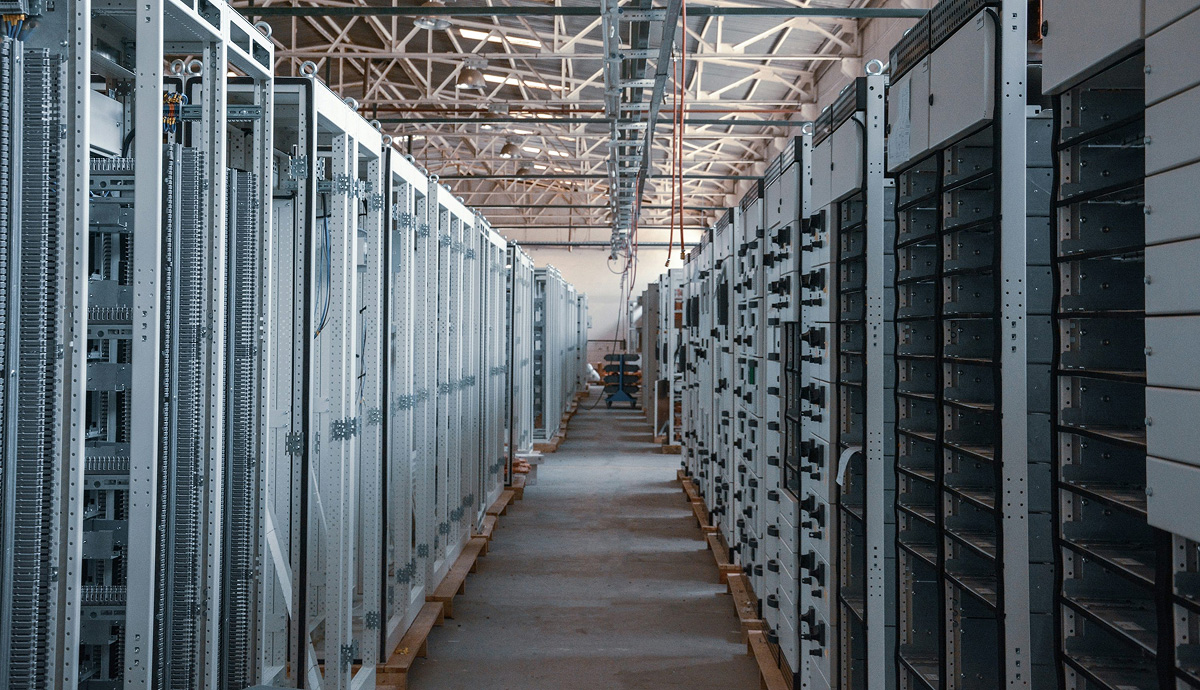
A dedicated server is a physical server whose resources (processors, RAM, disk space) are entirely dedicated to a single client. This guarantees maximum performance and stability, as there are no “neighbors” that could interfere with your work. This solution provides the highest level of control and security, which is critical for projects with increased data privacy requirements or the stable processing of large volumes of information.
Cloud servers
A cloud server is a virtual machine running on a cloud provider’s distributed infrastructure. Resources (CPU, RAM, disks) are allocated from a shared pool, providing exceptional flexibility. A key advantage of cloud solutions is scalability: you can increase or decrease capacity in minutes, paying only for the resources actually consumed. This is an ideal choice for projects with variable or growing workloads.
Configurations and capabilities
Flexible configurations for business
Modern providers offer a wide range of configurations to address specific needs. For example, servers with powerful NVIDIA GPUs are available for AI development, machine learning, or graphics rendering. For media streaming or business application deployment, configurations with high-performance NVMe drives and ample RAM are available.
Build the server yourself
Many companies offer online configurators that allow you to customize a server to your unique requirements. You can choose the processor model (Intel Xeon, AMD EPYC), RAM amount, drive type and number (SSD, NVMe), and network bandwidth. This gives you complete freedom to create an infrastructure that perfectly suits your workflows.
Ready-made virtual machine templates and images
For a quick start, ready-made virtual machine templates (VPS/VDS) with pre-installed operating systems (Windows Server, various Linux distributions) and popular software are available. This significantly speeds up project deployment—a new server can be ready for operation within hours or even minutes of ordering.
- For gaming projects (gaming servers), stable performance and low latency are important.
- For web hosting and corporate websites, security and availability are critical.
- For VPS used for development or test environments, flexibility and cost optimization are key.
Benefits of server rental
Reliability and safety

Professional providers house equipment in Tier III and higher data centers, guaranteeing uninterruptible power supply, climate control, and physical security. A mandatory component is multi-layered DDoS protection, which filters malicious traffic without affecting legitimate users. Dedicated servers ensure maximum security through complete isolation.
24/7 support
24/7 technical support is an essential part of quality service. Our specialists assist not only in emergency situations but also with consultations on setup, optimization, and migration. Having an experienced support team allows you to focus on your tasks without being distracted by infrastructure issues.
Scalability and flexibility
Scalability is the key advantage of cloud technologies. You can quickly increase capacity during peak load periods (for example, during a sale or advertising campaign) and just as quickly reduce it when the need for additional resources subsides. This is an effective cost and performance management strategy.
Cost optimization
Server leasing eliminates the need for large capital investments in purchasing your own equipment and maintaining it. You pay a predictable monthly or hourly fee, which already includes the use of modern hardware, data center infrastructure, and often basic administration. This makes high-tech accessible even to startups and small businesses.
Rental rates and costs
How to calculate rental costs
The rental price is determined by several components: the selected configuration (CPU power, RAM, and disk capacity), disk type (HDD, SSD, NVMe), bandwidth, and additional services (such as control panels, backup, or advanced security). Cloud servers often operate on a pay-as-you-go model, while dedicated servers typically charge a fixed fee.
Control and access
Control panels
For ease of administration, providers offer both their own intuitive control panels and popular solutions like ISPManager or web interfaces for virtual infrastructure management. These allow you to reboot the server, install the OS, manage backups, and monitor resource consumption in real time.
SSH and RDP access
Direct access is provided for complete control over the server. On Linux servers, this is typically via SSH, and on Windows servers, via RDP (Remote Desktop Protocol). This allows the administrator to perform any operations as if they were working at a physical desktop.
Frequently Asked Questions (FAQ)
What is a dedicated server?
This is a physical server, all of whose resources (processor, memory, disks) are leased and used exclusively by one client, ensuring maximum performance and security.
Who is a dedicated server suitable for?
For large online stores, financial services, high-load gaming and streaming platforms, as well as projects working with big data and AI, where stability and isolation are critical.
How quickly can a server be deployed?
Ready-made VPS and cloud server configurations are deployed automatically in minutes. Custom dedicated server deployment can take anywhere from a few hours to one business day.
Is it possible to change the server configuration after launch?
Yes, and this is one of the key advantages. Cloud servers and VPS can be scaled almost instantly, often without rebooting. Upgrading a dedicated server typically requires a short downtime to replace or add components.
How is technical support provided?
Technical support is available 24/7 and provides assistance via phone, email, or live chat. Support levels range from incident response to a fully managed service, where the provider handles all administrative tasks.
Who are dedicated and cloud servers suitable for?
Startups and small businesses
Cloud servers and VPS are the optimal choice due to their low entry barrier, flexible pricing, and easy scalability. This allows you to start with minimal resources and scale up as your project grows.
IT teams of large companies
Large organizations often use hybrid architectures. Critical business applications and databases are hosted on dedicated servers for guaranteed performance, while elastic cloud resources are used for peak loads, testing, and development.
IT systems developers
Developing and testing new applications, especially in the fields of gaming, AI, and data analytics, requires isolated environments. Quickly deployable VPS and cloud instances with the ability to choose specific configurations (including GPUs for rendering) are ideal for this purpose.
Reliable equipment and data center
Proven technologies
Leading providers use enterprise-class server hardware from vendors such as Supermicro, Dell, and Huawei, featuring Intel Xeon Scalable and AMD EPYC processors. Fast NVMe drives and high-speed networks (starting at 1 Gbps) ensure high performance and low latency for any workload.
Protection against DDoS attacks
Comprehensive protection against distributed denial-of-service attacks is a must-have feature. It operates at the data center network level, analyzing and filtering malicious traffic with a throughput of up to hundreds of Gbps, ensuring the availability of your service even under attack.

