


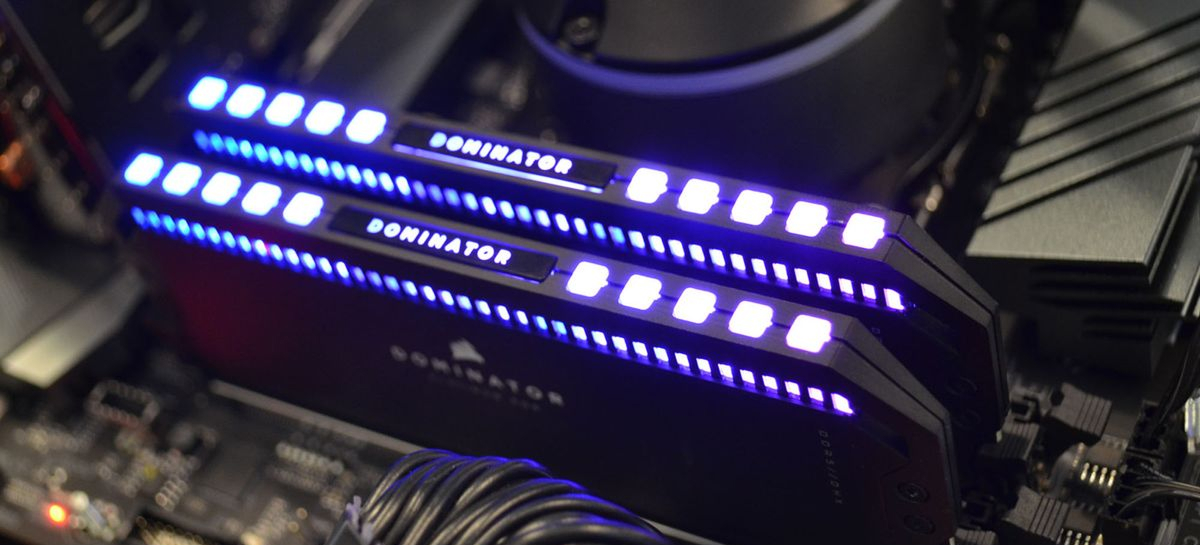
Brief conclusions:
- A timely RAM upgrade is a basic upgrade that will restore your PC’s performance.
- For basic tasks (working with text), 8 GB of RAM is enough .
- 32-bit Windows will not see more than 4 GB of RAM .
- A proper RAM upgrade is the best way to revive your PC.
Introduction to RAM
A timely RAM upgrade is a basic upgrade that restores your PC’s performance. When an old computer starts to lag, replacing the RAM modules offers a real chance for improvement. If you’re faced with the choice of replacing the entire PC or upgrading locally, the latter option wins due to its lower cost. Each platform and motherboard has its limitations, but upgrading to higher-capacity modules and a smart switch to dual-channel will provide a huge boost. Your work, any modern game, and rendering will all become faster, and a before-and-after comparison will pleasantly surprise you. The right frequency, XMP support , and 100% compatibility are the keys to success.
What is RAM and how does it work?
Random-access memory (RAM) is a temporary data storage device where the processor (CPU) stores information for instant access. A PC’s performance is impossible without RAM. Each motherboard acts as a communication platform. A high data exchange rate guarantees increased speed. When a game or heavy program is running, the system actively uses gigabytes of RAM.
If you stand still and don’t change the amount, the PC will slow down. Generational changes (DDR) dictate new rules, and replacing modules and activating XMP profiles allows RAM to operate at its maximum capacity. Compatibility, component cost, and dual-channel versus single-channel operation directly impact the final result and overall upgrade. Proper transition to new standards is essential.
Determining needs, scope and compatibility
To ensure an upgrade doesn’t result in unnecessary expenses, you need to understand your current needs. Comparing your tasks with the new RAM will help you calculate the cost. The platform must be ready: the motherboard must support the required GB. Frequency is also important; upgrading from old RAM to newer ones will provide a performance boost if the upgrade is justified. Each game and work program requires its own RAM capacity. Upgrading should be done wisely.
How do you know how much RAM your computer needs?
For basic tasks (word processing), 8 GB of RAM is sufficient. If your platform is a gaming rig, upgrading to 16 or 32 GB is a must. Any modern game or neural network requires resources. If you’re choosing the right amount, 32 GB is currently the optimal price. Upgrading and replacing modules will provide a boost. A motherboard and dual-channel mode will increase fps. A 16 vs. 32 comparison shows that upgrading to a higher capacity is worth it. Compatibility and xmp frequency are important.
Operating system bit depth and capabilities of other components
32-bit Windows won’t recognize more than 4 GB of RAM. Upgrading to a 64-bit OS is the first step. Your motherboard and PC platform determine the maximum GB. An upgrade won’t work if the processor (Intel or AMD) doesn’t support the new frequencies. Comparing “old CPU vs. new” proves that compatibility is key. Component upgrades must be made as a whole, otherwise, upgrading and upgrading RAM won’t yield any performance gains. Frequency, xmp, cost, and dual-channel support depend on the chipset . You can’t run an outdated OS.
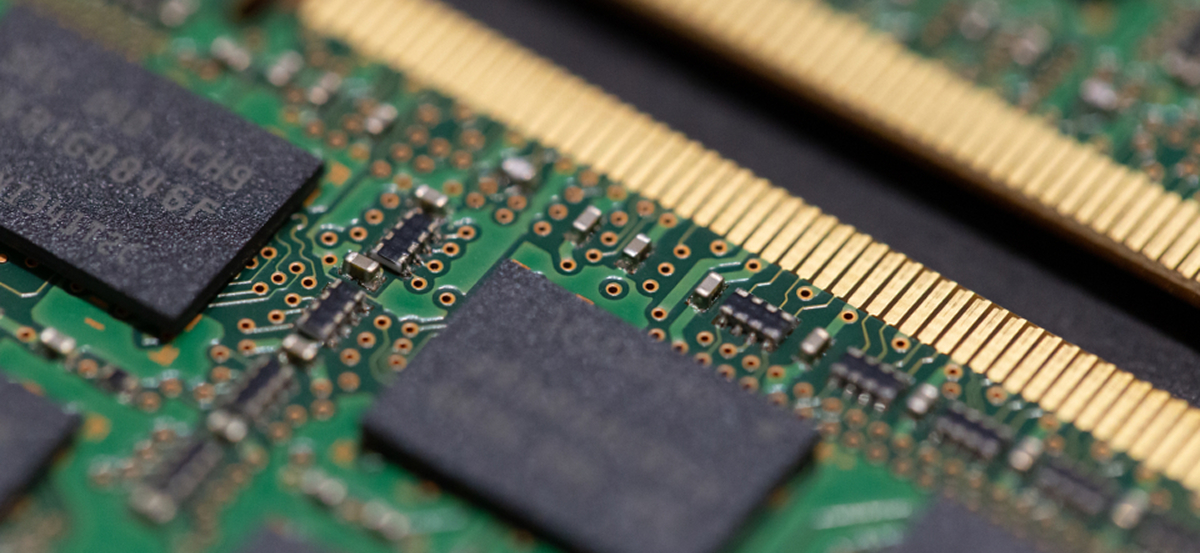
Scenario comparison: how much RAM is needed for a task
| Scenario | RAM capacity | Terms and conditions |
|---|---|---|
| For the office | 8 GB | Minimum cost, base frequency, stable operation. |
| For games | 16-32 GB | Dual channel required , xmp activation , high compatibility. |
| For rendering and working with neural networks | 64 GB | Maximum gain, top-end PC platform, CPU replacement may be required. |
Ways to increase RAM
Performance improvements can be achieved through both software and hardware. Configuration comes first, followed by physical replacement.
Optimizing the use of existing RAM
- Close background processes. This work is free and will make your PC more responsive.
Setting up the paging file (virtual memory)
- If RAM is insufficient, the PC uses the hard drive. A comparison of HDD vs. SSD shows that a page file on an SSD provides a performance boost. However, physical memory replacement and upgrading to larger GBs are better. RAM costs currently allow for upgrades. A page file won’t replace clock speed and dual-channel memory. A motherboard will perform better with physical expansion. XMP compatibility and upgrading to new modules are a priority; don’t use substitutes. Upgrading the hardware is essential, and the game will stop crashing.
Installing additional modules or replacing existing ones
- Installing and replacing RAM is the best upgrade. The motherboard has slots. Replacing old modules with new ones (with more GB) or adding to those already installed in the PC is the foundation. The platform will come alive. Switching to dual-channel mode will give a boost. The frequency and compatibility must match. Enabling XMP will increase speed. Comparing “one module vs. two” always favors the two. The cost is worth it, and work and gaming will become smooth. Replacements should be done carefully.
1. Preparation for installation
- Power off your PC. Your platform must be powered off. Replacement requires caution.
2. Static protection
- Touch an unpainted part of the PC case to prevent static electricity from damaging the RAM. The motherboard is vulnerable.
3. Search for slots
- Find the long connectors. If there are already old modules there, evaluate them. Comparing the slots is important for dual-channel.
4. Freeing up slots (if necessary)
- Carefully bend back the latches. Replacement requires removing the old GB. Do not apply force when replacing. The transition to new modules has begun.
Using ReadyBoost
- The technology is outdated. A physical upgrade, taking into account frequency, cost, compatibility, and xmp, is much more effective.
Installation, risks, and selection of RAM
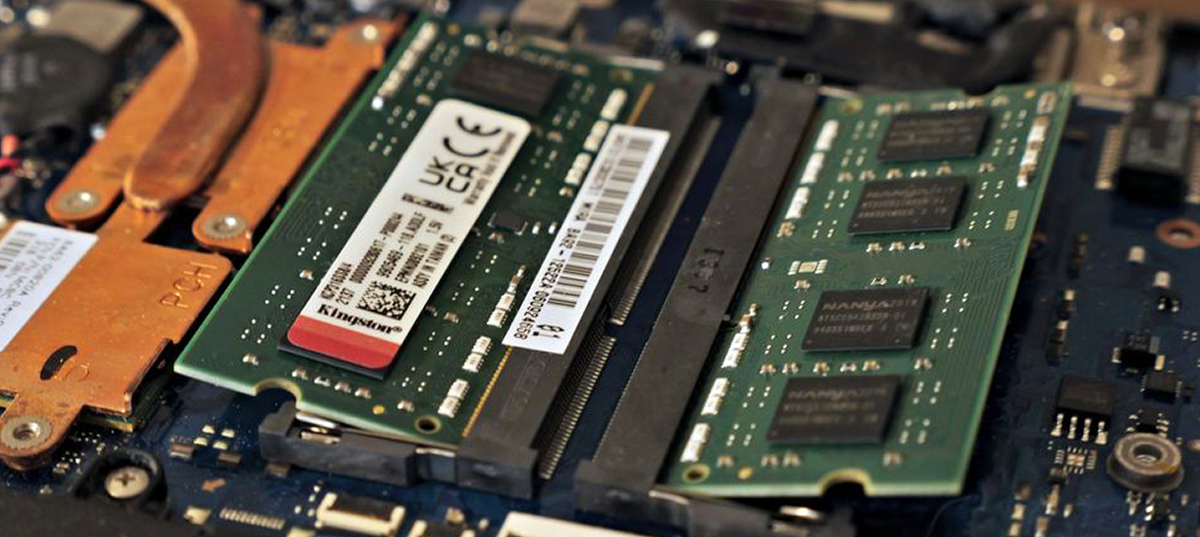
Installing RAM in a desktop computer
The PC motherboard has latches. Insert the RAM until it clicks into place. The platform will accept the module. Slot compatibility is essential. Dual-channel operation requires installation in slots 1-3 or 2-4. The swap and replacement are complete. Now all that’s left is to enter the BIOS to adjust the XMP settings to ensure performance gains. A comparison of the clock rates before and after will show the results. Changing the configuration is easy, and the cost of error is minimal. The transition is complete, and the game can now run. Why stand still when upgrading your PC is so easy?
Installing RAM in a laptop
The laptop platform requires SO-DIMM memory . The cost is slightly higher. The motherboard is compact. Upgrading and replacing are similar to a PC. Changing the RAM increases the memory. Compatibility is critical. Frequency, xmp, dual-channel vs. single-channel memory all have an impact. Changing modules is more difficult due to the case. The work requires precision . The comparison results are encouraging; the upgrade was successful. The main thing is not to get stuck with too little memory; any game requires RAM.
Problems and Cautions When Increasing RAM
Incompatibility is the main enemy. A compilation error will result in the PC not being able to boot.
- What should you do if the memory isn’t recognized? Check that the RAM modules fit correctly in the slots. The motherboard may require a BIOS reset. The platform must support GB. Frequency compatibility is essential. Swapping and re-arranging the modules sometimes helps. If dual-channel isn’t working, check the contacts. Comparing working modules with non-working ones will reveal any defects. Upgrading requires careful consideration. Changing settings should be done with caution. Switching to XMP sometimes causes crashes. Performance will recover after adjustments. The cost of frustration doesn’t count; the game is worth it. The gains will be there.
- Risks of RAM overclocking: Overclocking and enabling XMP (or EXPO for AMD) provides a boost. However, the PC platform may overheat. Replacing the cooling system will increase the cost. The motherboard must be able to withstand the voltage. Changing timings ( latency ) and frequency affects stability. Comparing overclocking vs. stock reveals the risks. A blue screen may interrupt your work. Chip compatibility is important. Dual-channel is sensitive to errors. Using extreme GB values will damage the RAM. Overclocking is for pros. Change the voltage wisely; the game isn’t worth frying your hardware. Upgrading should be safe.
Choosing the Right RAM
The choice depends on the motherboard and platform installed in the PC. Cost, frequency, GB, xmp, and compatibility are the main criteria . Comparing options is essential. There’s no point in swapping a fiend for a fiend. The upgrade should yield a performance boost. Switching to dual-channel versus single-channel modules is obvious. Work and gaming depend on RAM. The upgrade must be high-quality. Don’t settle for the cheapest option; an upgrade will last for years.
Clock speed and timings
High frequency (MHz) and low timings (CL) are ideal . Comparing these parameters determines how quickly the upgrade will be. The motherboard and PC platform set the limits. Fast RAM is more expensive. Upgrading and replacing with modules with good XMP will provide a boost. Compatibility is important. Dual-channel operation speeds up response times. GB is also important. Upgrading should be done with a balance of frequency vs. timings in mind. Upgrading to new standards reduces latency. Any game will experience a boost in FPS . You can’t run on slow memory.
Tips for choosing memory for games
Balance is important for games . The PC gaming platform requires stability.
- Capacity: minimum 16 GB, ideally 32 GB. Upgrading or replacing smaller capacity will provide significant gains.
- Mode: dual channel only. Comparisons of “1 bar vs. 2 bars” always favor two.
- Technologies: XMP profile support. The frequency should be the maximum supported by the motherboard and processor compatibility.
The cost of gaming RAM kits is justified. Upgrading to them will improve gameplay. Upgrade as a whole kit. The upgrade and system performance will be flawless. Don’t be stuck in a dilemma; gaming demands the best.
The Future of RAM
RAM evolution never stops. PC platforms are constantly evolving. Generational changes are inevitable. Upgrades and replacements of older formats with newer ones are just a matter of time. The motherboard of the future will be different. Technology costs are falling. The comparison of “past versus future” is astounding. The speed gains are colossal. Compatibility, frequency, GB, xmp, and dual-channel will remain important. Work and play will demand more. Everyone will have to upgrade their PC. The transition is inevitable; standing still is not an option.
RAM prices and forecasts
DDR4 prices are falling. DDR5 prices are stabilizing. A comparison shows that upgrading a PC is now a good idea. RAM upgrades and upgrades won’t break the bank. Motherboard and compatibility will determine the cost. CPU clock speeds and GB are getting cheaper. Work and gaming are worth the money. It’s time to upgrade. The transition is profitable. The platform is waiting, and gains are guaranteed. XMP and dual-channel are more affordable than ever.
New technologies in RAM (DDR5 and others)
DDR5 is the new standard. The PC platform and new motherboard support phenomenal speeds. Frequency has doubled. Comparing DDR4 vs. DDR5 shows a huge increase. The cost is still high. Compatibility only with new CPUs. Upgrading and changing generations is a major transition. Neural networks run at breakneck speed. Games deliver maximum performance. GB capacity per module has increased. Dual-channel architecture is built into the module. XMP profiles are more aggressive. Upgrading to DDR5 is an investment. Should you upgrade now? If you don’t want to lag behind the times, yes. RAM is evolving.
Conclusion
A competent RAM upgrade is the best way to revive your PC. Your platform, motherboard, and processor must work in harmony. Replacing or upgrading RAM modules with sufficient GB ( 16 or 32 GB ) will provide a boost. Pay attention to compatibility, xmp, and frequency. Dual-channel mode is essential when comparing speed vs. lag. The cost of the upgrade is justified: it will speed up your workflow, and any game will no longer freeze. Upgrading to new technologies won’t leave you stuck. Don’t be afraid to upgrade components and improve your computer!
Additional materials and resources
Study the motherboard manual. Check benchmarks and compatibility online before upgrading or changing RAM. A PC platform thrives on precision. Frequency, cost, GB, xmp, upgrade, replacement, dual-channel, performance, performance gain, gaming, upgrade, comparison, cost, vs. performance—consider all factors.

